



 All Models
 Compare Models

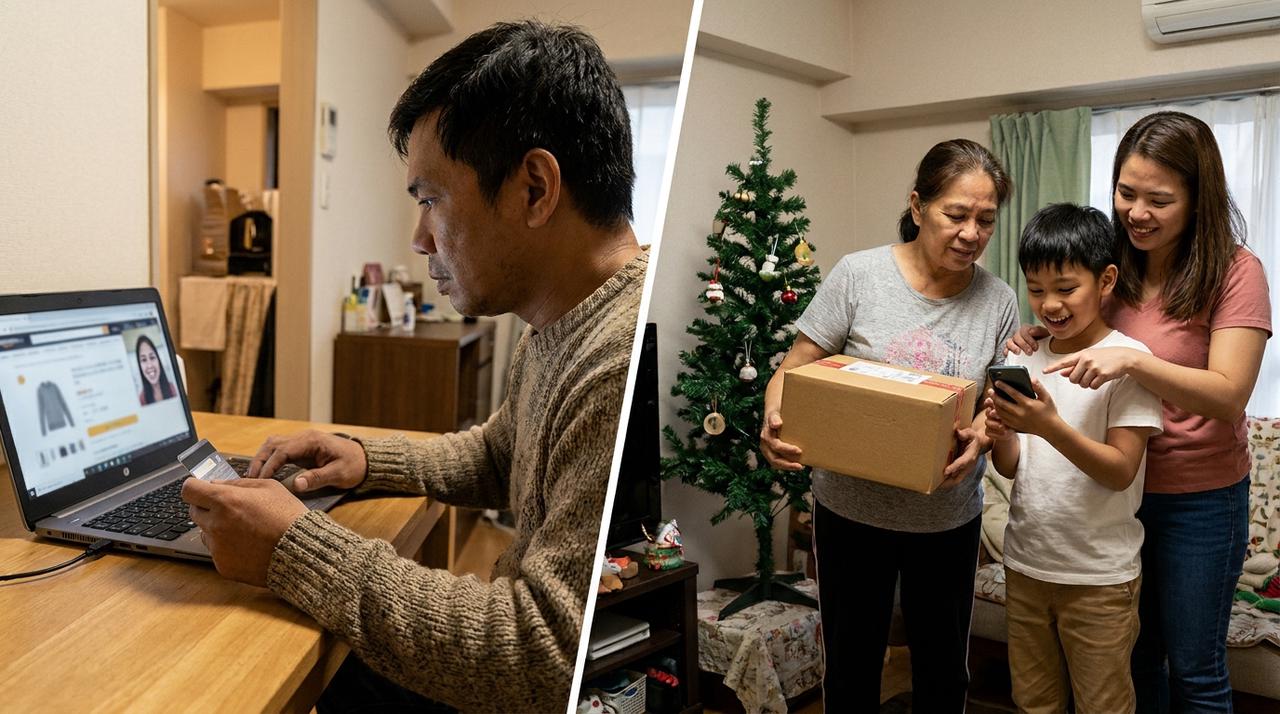 An overseas Filipino buyer arranging a Christmas smartphone delivery for family in the Philippines.
Direct answer: If you work abroad and want to buy a Christmas phone for family in the Philippines, choose the phone with the recipient first, then buy a Philippine-market unit from a seller you can verify. Before paying, decide whose name and number will appear on the order, where the receipt will be kept, who can request a return or warranty service, and who will help with setup. These details matter more than surprising the recipient with an unconfirmed model.
1. Confirm the recipient's real needs before choosing the phone
A remote gift is harder to exchange than a phone bought together in person. Ask the recipient what their current phone is failing to do and which details they care about most: storage, camera use, battery capacity, screen size, network support, color or ease of use.
If the gift is meant to stay a surprise, ask a trusted family member to check the current phone, preferred color and available storage without promising a specific model. A good Christmas gift should solve a daily need after the holiday, not only look impressive when the box is opened.
2. Buy the Philippine model from a seller you can verify
Use TECNO Philippines' official product pages and store finder to confirm that the model and configuration are offered locally. An imported unit may have different network support, software, accessories or warranty handling. Do not assume that a listing is official because it uses brand images or appears on a familiar marketplace.
Before checkout, verify the seller name, exact storage variant, color, included items, final price and delivery location. If you are buying through a marketplace, open the seller profile from an official TECNO Philippines link or confirm it through the brand's current channels. Avoid copying an old promotional price or freebie into the decision because holiday offers and stock can change.
3. Set up the delivery for the person who will actually receive it
Enter the recipient's complete Philippine address, active local mobile number and the name they use for delivery. Ask whether the courier may require an ID, signature, one-time code or personal acceptance. If someone else will receive the parcel, confirm that arrangement with the seller before paying.
Tell the recipient when to expect the delivery, even if the phone itself remains a surprise. A missed call or unidentified high-value parcel can create more trouble than the surprise is worth. The recipient should know how to inspect the outer package and where to report visible damage under the seller's current rules.
4. Decide who owns the receipt and warranty information
The person in the Philippines needs access to the order confirmation, invoice or official receipt, seller contact and model details. Save copies in a shared location and send them to the recipient or a trusted family member. Do not leave the only proof of purchase inside an overseas email account they cannot access.
TECNO Philippines provides an online warranty checker using the phone's IMEI and points users to Carlcare for after-sales service. After delivery, keep the box and record the IMEI from the package or the phone settings. The warranty checker can confirm device information, but the buyer should still read the seller's written warranty and replacement terms before purchase.
5. Confirm the return route before the box is opened
Ask three questions in advance: how quickly must a delivery problem be reported, what evidence is required, and who is allowed to start the return or replacement request? The answer may differ by seller and platform.
Make sure the recipient knows whether to contact the marketplace, the store, TECNO or Carlcare for each type of problem. Keep the original packaging and included items until the phone has been checked. If the seller requires a delivery or unboxing record, follow the current instructions shown on the order page rather than relying on an old checklist.
6. Plan the first-day setup
A phone is easier to enjoy when someone can help move contacts, photos and messaging accounts, insert the correct SIM or activate supported connectivity, install updates and set a screen lock. Arrange a video call or ask a trusted relative to help if the recipient is not comfortable doing this alone.
Do not ask anyone to send passwords, one-time codes or banking credentials during setup. The recipient should enter private information on the phone themselves. If the old phone will be traded, sold or given away, confirm that important data has been transferred before it is erased.
Using the TECNO CAMON Slim 5G as a worked example
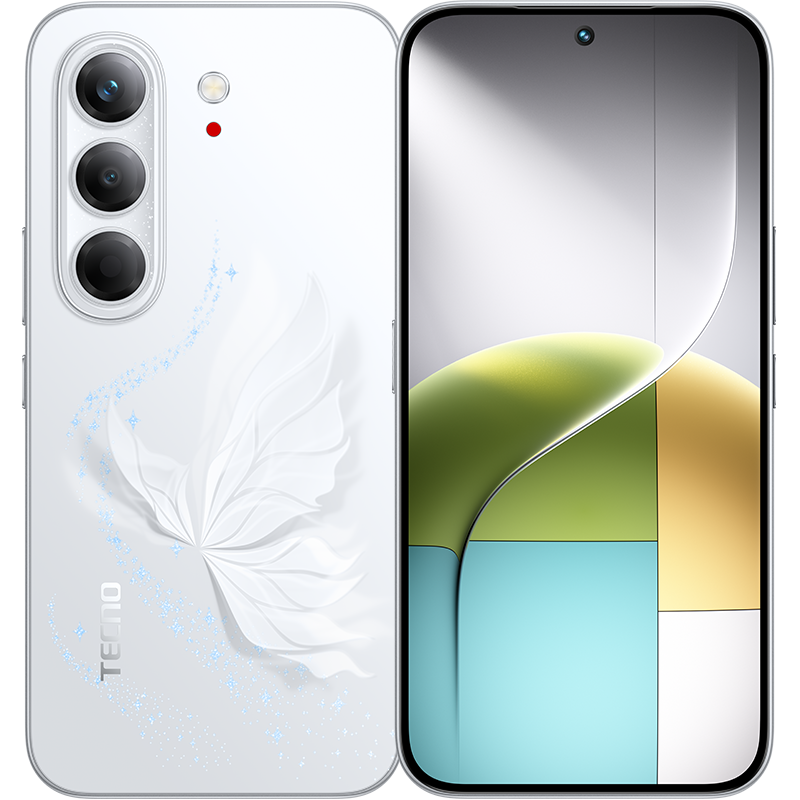
The CAMON Slim 5G is one Philippine-market option to consider when the recipient wants a large AMOLED display, 5G support, 128GB or 256GB storage, a 6000mAh battery and flexible cameras in a 6.39mm body. TECNO Philippines lists Burgundy Red, Matisse Black, Rebel Pink and Gossamer White, although local stock and configuration can vary by seller.
For a remote purchase, the important step is not repeating every specification. Confirm which storage version and color the recipient wants, verify that the seller offers the Philippine unit, keep the proof of purchase accessible, and check the current warranty and return path before checkout. If those points are unclear, pause the order and ask the seller in writing.
Remote Christmas phone checklist
- The recipient's needs, preferred size, storage and color are confirmed.
- The exact Philippine model and configuration match the official product information.
- The seller can be verified through current TECNO Philippines channels.
- The delivery name, local number, address and authorized receiver are correct.
- The recipient can access the invoice, order confirmation and seller contact.
- The return, replacement and warranty routes are clear before delivery.
- A safe plan is ready for data transfer, updates and account setup.
The practical answer for overseas Filipino buyers
The best phone to buy for family in the Philippines while working abroad is the one that fits the recipient and can be supported locally after delivery. Choose the product together when possible, use a verifiable Philippine seller, make the receipt and warranty information accessible, and arrange setup help. The TECNO CAMON Slim 5G can be a practical worked example, but the remote-gifting process should be correct before any model becomes the final choice.
Check the current CAMON Slim 5G technical specifications, TECNO Philippines store finder and official warranty checker before purchasing.