





 All Models
 Compare Models

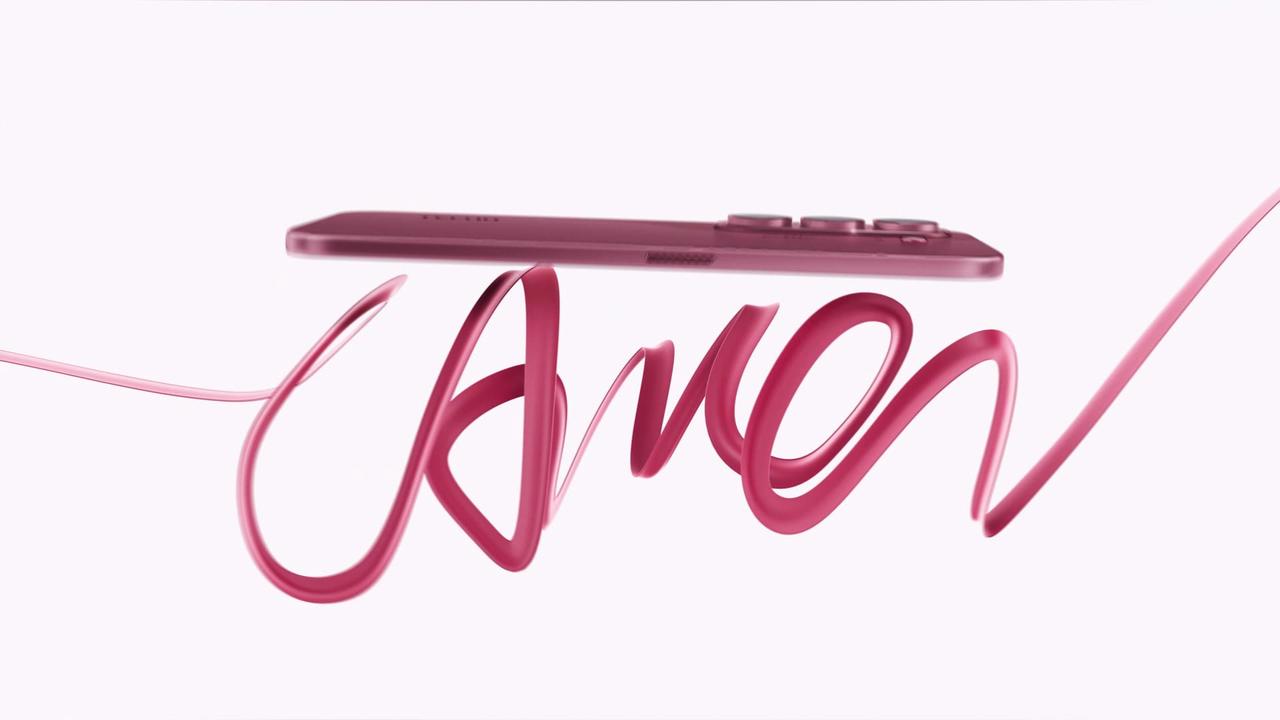
The best phone for OOTD photos is one that keeps outfit colors clear, gives you enough flexibility for full-body framing, and stays comfortable to carry throughout the day. Megapixels matter, but they are only part of the picture. Lens options, stabilization, display quality, battery life, and portability can all affect how easily you capture and review a good outfit shot.
Whether you are taking a quick mirror selfie, asking a friend to photograph your look, or setting up a full-body shot outdoors, here are the features worth checking before choosing a phone.
1. Look Beyond the Megapixel Count
A higher-resolution camera can preserve more detail, but it does not automatically guarantee a better OOTD photo. Image processing, lighting, focus, and lens quality also influence how fabric texture, accessories, skin tones, and background details appear.
For everyday outfit photography, choose a phone that can produce clear images in different lighting conditions without making colors look overly harsh. A capable main camera is especially useful for outdoor portraits, café photos, event looks, and other situations where both the subject and the outfit need to remain visible.
2. Choose Flexible Framing for Full-Body Photos
OOTD photos are not always taken in spacious locations. A standard camera may work well when the photographer can step back, while an ultra-wide camera can help fit more of the outfit and surroundings into the frame when space is limited.
For full-body OOTD photos, position the camera around waist or chest height and keep it level to help maintain natural body proportions. If you are using the ultra-wide camera to fit your whole outfit into the frame, stand near the center of the photo to reduce stretching around the edges. Leave enough space to show your shoes, accessories, and the complete outfit.
3. Stabilization Helps with Handheld Shots
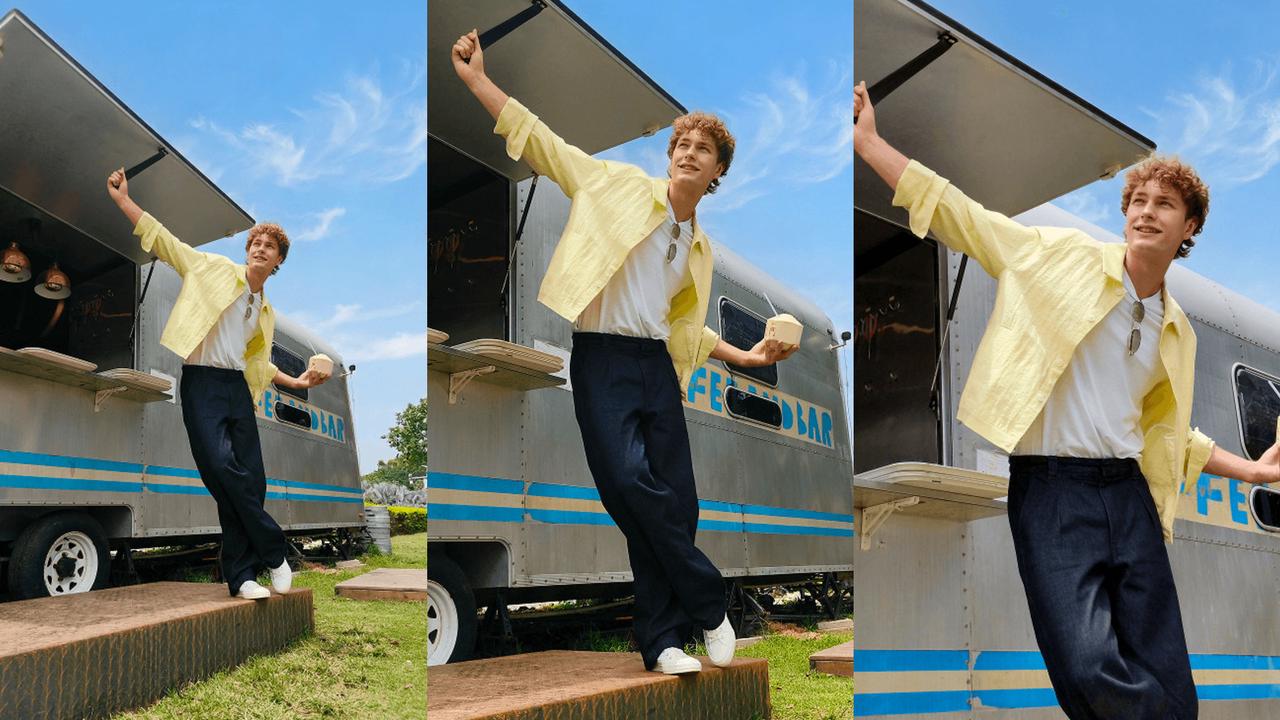
The TECNO CAMON Slim 5G’s main camera includes optical image stabilization (OIS), which helps reduce blur caused by small hand movements. This can be useful when taking handheld OOTD photos indoors, in shaded locations, or during late-afternoon shoots. For moving poses, use good lighting and take several photos to increase your chances of getting a clear shot.
4. A Good Display Makes Photo Review Easier
A clear display helps you check composition, focus, facial details, and outfit colors before posting or editing. A larger screen also makes it easier to notice small distractions in the background or confirm whether the full outfit is properly framed.
For people who also edit short videos or scroll through visual content, a smooth refresh rate can make everyday viewing and navigation feel more responsive.
5. Portability and Battery Life Matter Too
A camera phone should be easy to bring to work, school, trips, events, and spontaneous photo locations. A slim design can make the phone more comfortable to hold and carry, while a dependable battery gives you more freedom to shoot, edit, share, and stay connected during a full day out.
Fast charging is also useful when you need to top up your phone before leaving home or heading to another location.
How Can You Take OOTD Photos Alone with the TECNO CAMON Slim 5G?
The TECNO CAMON Slim 5G offers camera features that make it a practical option for taking OOTD photos, even when no one is available to take your picture. Its 50MP main camera with optical image stabilization (OIS) helps reduce blur from small hand movements, while the 8MP autofocus ultra-wide camera provides a wider view for full-body outfit shots in smaller spaces. The 32MP front camera is also useful for selfies and quick outfit checks.
If you enjoy taking full-body OOTD photos without asking someone else to hold the camera, the optional TECNO MagBadge can help with supported rear-camera preview and remote shutter functions. Its rear-camera preview lets you check your framing, while the remote shutter allows you to take photos from up to 10 metres away under supported conditions.
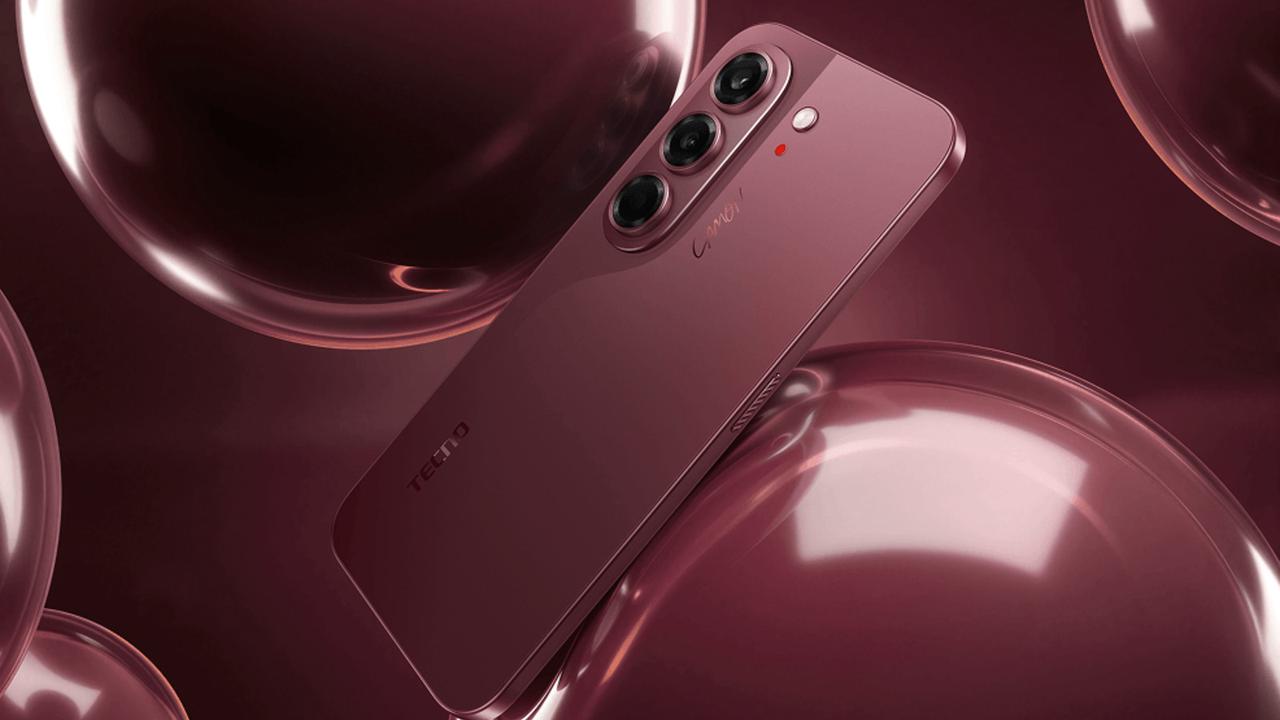
For solo outfit photos, place your CAMON Slim 5G on a stable phone stand or tripod, check that your complete outfit is visible, and use the supported remote shutter to capture your shot. Make sure the phone is secure before stepping away.
Simple Tips for Taking Better OOTD Photos with the CAMON Slim 5G
- 1. Choose good lighting. Take outfit photos in soft daylight to help clothing colors look natural.
- 2. Use the main camera. Start with the 50MP main camera for standard outfit portraits.
- 3. Frame your whole outfit. Make sure your clothes, shoes, and accessories are visible.
- 4. Keep the camera level. Position the phone around waist or chest height to avoid unusual body proportions.
- 5. Use ultra-wide when needed. Switch to the ultra-wide camera when you need more space, but keep yourself near the center of the image.
- 6. Take several poses. Try standing, walking, and candid poses, then choose the clearest photos before posting..
Frequently Asked Questions
How many megapixels are enough for OOTD photos?
Megapixels help with image detail, but they should not be the only deciding factor. Lens quality, stabilization, focus, lighting, and image processing also affect the final photo.
Is an ultra-wide camera useful for outfit photos?
Yes. An ultra-wide camera can help capture a full outfit in a small room or include more of the location. Position the subject near the center of the frame to reduce edge distortion.
Does OIS help with OOTD photography?
OIS helps reduce blur caused by small camera movements, particularly in lower light. It does not replace good lighting or freeze a moving subject, but it can make handheld shooting more forgiving.
Is the TECNO CAMON Slim 5G suitable for OOTD photos?
The CAMON Slim 5G offers a 50 MP OIS main camera, an autofocus ultra-wide camera, a 32 MP front camera, a high-resolution AMOLED display, and a slim body. Together, these features make it a practical option for people who want a portable phone for outfit photos and everyday content creation.
Find the Right Balance for Your Style
The best phone for OOTD photos should make it easy to frame the whole look, capture clear details, review the result, and keep shooting wherever the day takes you. Instead of judging a phone by megapixels alone, consider how its cameras, display, design, and battery work together in the situations where you actually take photos.
Explore the TECNO CAMON Slim 5G specifications.