





 All Models
 Compare Models

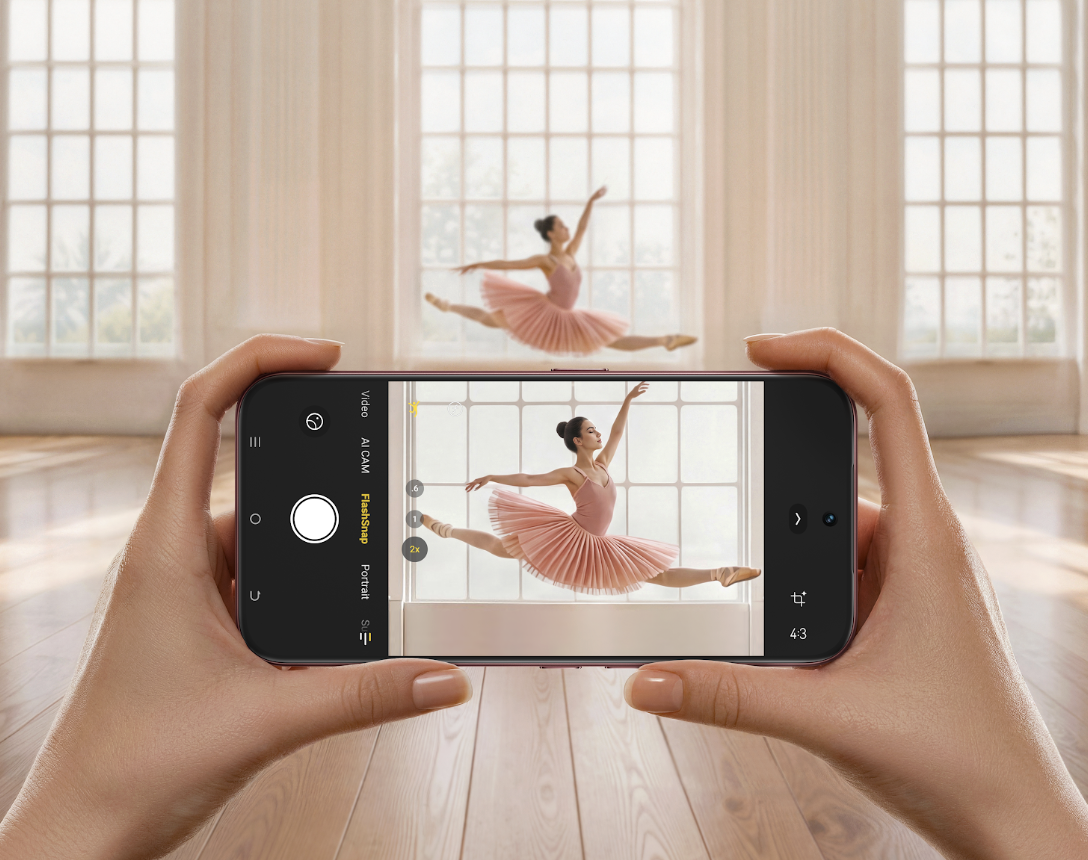 Cover image: CAMON Slim 5G capturing a fast-moving subject, introducing this guide to Android Live Photos and motion-focused photography.
Yes, some Android phones can take Live Photos without an iPhone. Depending on the smartphone brand, this feature may be called Live Photo, Motion Photo, or another name. It captures a short moment of movement around a photo, allowing users to revisit more than a single still image.
For shoppers in the Philippines, the TECNO CAMON Slim 5G is one Android option to consider because TECNO lists Live Photo among its camera features. That makes it especially relevant for parents, pet owners and anyone who often photographs moments that refuse to stay still.
Quick answer: CAMON Slim 5G can capture Live Photos, but TECNO’s implementation should not automatically be treated as identical to Apple Live Photos. Recording behavior, editing tools and sharing compatibility can vary by device, software version and app.
What Is a Live Photo on Android?
A regular photo captures a single moment, while a Live Photo captures a short moment of movement before and after you take the picture. This lets you look back at the action instead of seeing only a still image.
On supported Android phones, Live Photos can usually be viewed in the Gallery app, where you can play the short movement captured with the photo. Features such as sound, recording length, editing options, and file format may vary depending on the phone's camera and software.
This is why “Live Photo” should be understood as a type of camera experience rather than one universal Android format.
When Are Live Photos Most Useful?
Baby smiles and first reactions
Babies can change expression before you finish pressing the shutter. A Live Photo can help preserve the smile, blink or tiny movement around the main frame, making the memory feel more complete than a single still.
Pets that never pose for long
A dog turning toward the camera or a cat suddenly jumping away can be difficult to time perfectly. Capturing motion around the shot gives you more of the moment and may make it easier to revisit the expression you wanted.
Movement, celebrations and candid moments
Live Photos can also be useful for birthday candles, hair moving in the wind, friends laughing, children running or a quick travel scene. They sit between a still photo and a full video: fast to capture like a photo, but with extra motion to bring the moment back.


Why CAMON Slim 5G Is Worth Considering
TECNO’s Philippines product page identifies Live Photo as a camera feature of CAMON Slim 5G. The phone’s broader camera setup also includes a 50MP 1/1.56-inch rear main camera with OIS, an 8MP autofocus ultra-wide camera and a 32MP front camera, according to the official Philippine specifications.
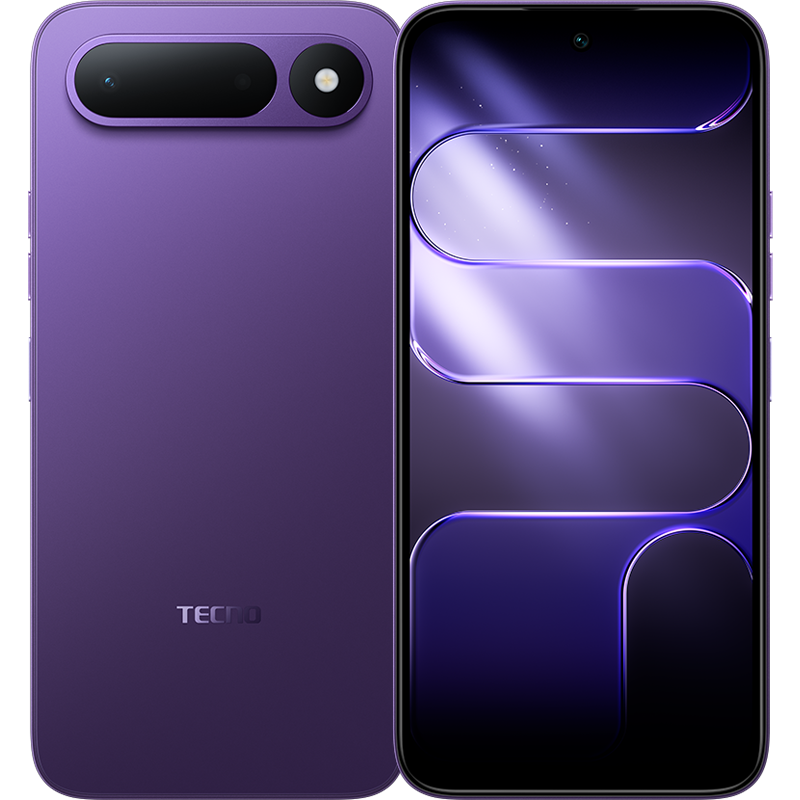
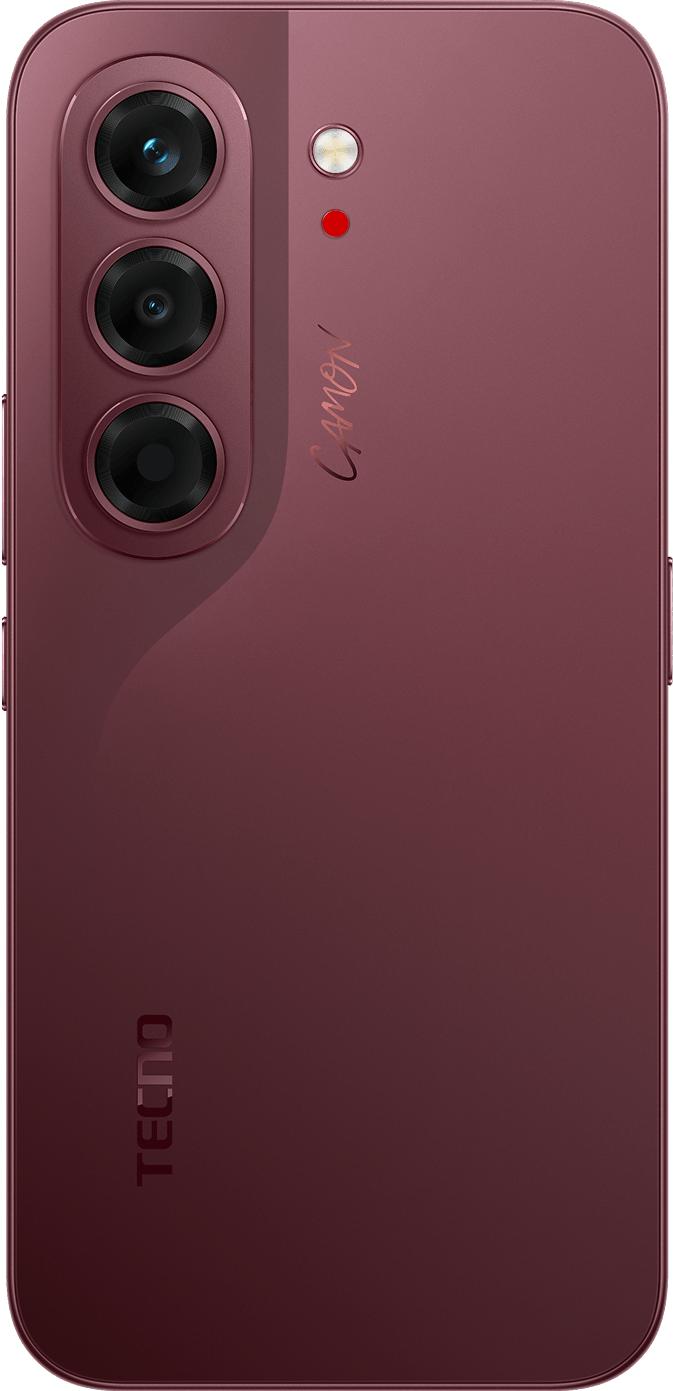 CAMON Slim 5G rear camera design. Official TECNO product visual.
These camera options support different everyday photography needs, from family portraits and group photos to selfies and candid moments. The 128GB and 256GB storage choices are also relevant because motion photos generally need more space than ordinary still images.
Specifications alone, however, do not tell you exactly how a Live Photo will look, edit or share. The most important buying question is whether the complete workflow fits how you plan to use the feature.
How to Capture, Save and Share a Live Photo
The precise controls can change with the camera app and software version, but this general workflow is a useful starting point:
- 1. Turn on Live Photo. Open the Camera app and look for a Live Photo or motion-photo control in the main camera screen, toolbar or shooting modes.
- 2. Keep the phone steady around the shutter press. Because the camera is preserving movement around the photo, avoid dropping the phone immediately after you tap the shutter.
- 3. Check the result in Gallery. Open the image and look for the Live Photo or motion indicator. Tap or press the photo to replay the captured moment.
- 4. Keep the original file. Saving the original in the phone’s Gallery gives you the best chance of preserving its motion data.
- 5. Check the sharing result. Share from the Gallery, then confirm whether the receiving phone or app plays the motion. If the destination does not support the format, it may receive only a still image.
- 6. Use an export option when available. Some phones or Gallery apps can export a motion photo as a video or another widely supported format. Menu names and available formats vary, so check the device’s current software before relying on this workflow.
Are TECNO Live Photos the Same as Apple Live Photos?
- Feature availability: Confirm that Live Photo is included in the Philippine software version of the phone.
- Gallery controls: Check how the motion plays back and whether you can select a preferred cover frame.
- Export options: See whether the Gallery can turn a Live Photo into a video or another shareable format.
- App compatibility: Find out whether your usual chat, cloud and social apps preserve the motion or send only a still image.
- Storage: Choose enough space for the extra data created by motion photos, especially if you take many photos of children, pets or trips.
So, Which Android Phone Can Take Live Photos?
For users in the Philippines looking for an Android phone that can take Live Photos without switching to an iPhone, the TECNO CAMON Slim 5G is one option worth considering. It combines the advertised Live Photo feature with a 50MP OIS main camera, 8MP autofocus ultra-wide camera, 32MP front camera, and storage options of up to 256GB. Buyers should confirm the feature's recording, editing, and sharing capabilities before purchasing to ensure it meets their photography needs.
The best reason to choose it is not that it copies an iPhone feature exactly. It is that it gives Android users another way to preserve the movement inside everyday moments—from a baby’s changing expression to a pet’s playful reaction or a candid scene on the go.
Frequently Asked Questions
Does the TECNO CAMON Slim 5G support Live Photos?
Yes. The TECNO CAMON Slim 5G is advertised with a Live Photo camera feature that allows users to preserve brief moments of motion alongside still images. The exact recording controls, playback features, and sharing compatibility should be confirmed using the device's current software and official camera instructions.
Can I share an Android Live Photo with an iPhone?
Possibly, but do not assume the motion will always be preserved. Compatibility depends on the Android phone’s file handling, the transfer method, the receiving device and the app used. When compatibility is uncertain, an available video export is usually easier to share.
Do Live Photos use more storage than normal photos?
Generally, yes. A Live Photo contains more information than a single still image, so frequent use can increase storage consumption.
Is a Live Photo better than a video?
They serve different purposes. A Live Photo is convenient when you want a photo with a brief sense of movement. A regular video is better when the full action, sound or longer sequence matters.
Explore more: Visit the CAMON Slim 5G product page and review the official specifications for current Philippine product information.